Guide:Lock and Unlock Widgets
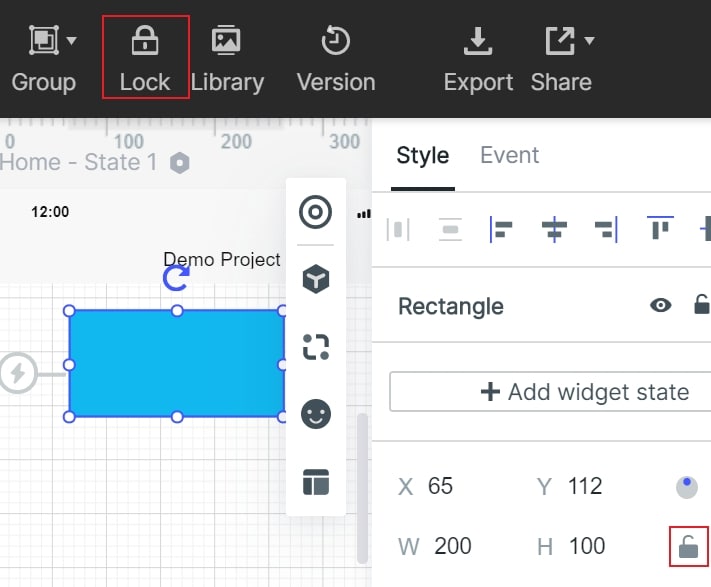
After selecting the component, you can click the toolbar on the top of editing area or a "small lock" icon in the appearance setting panel on the right to lock or unlock the component. For a related workflow, see online prototyping tool.