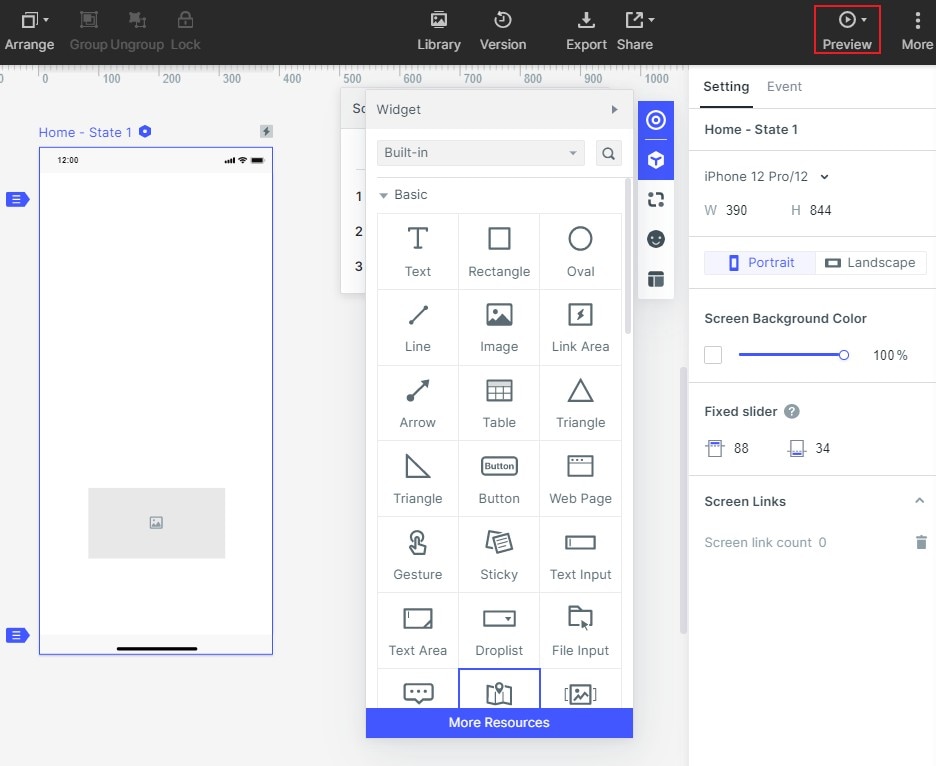
Guide:How to Preview Your Project
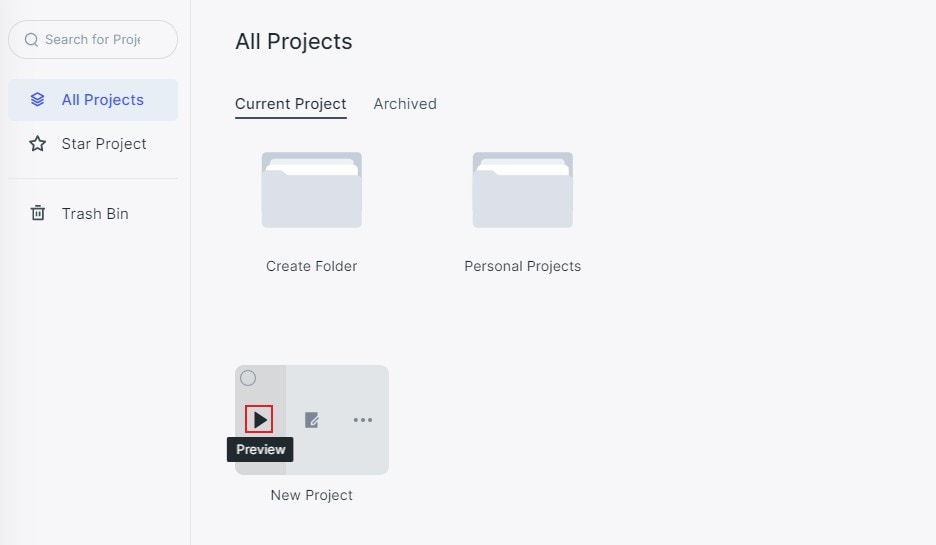
Users can preview their projects in two ways. The first one is inside the working area. Move the mouse to the project folder and click “Preview”. For a related workflow, see AI prototype generator.
Or, users can preview in the upper right corner of the main menu in the editing area.