Guide:Add to My Widgets
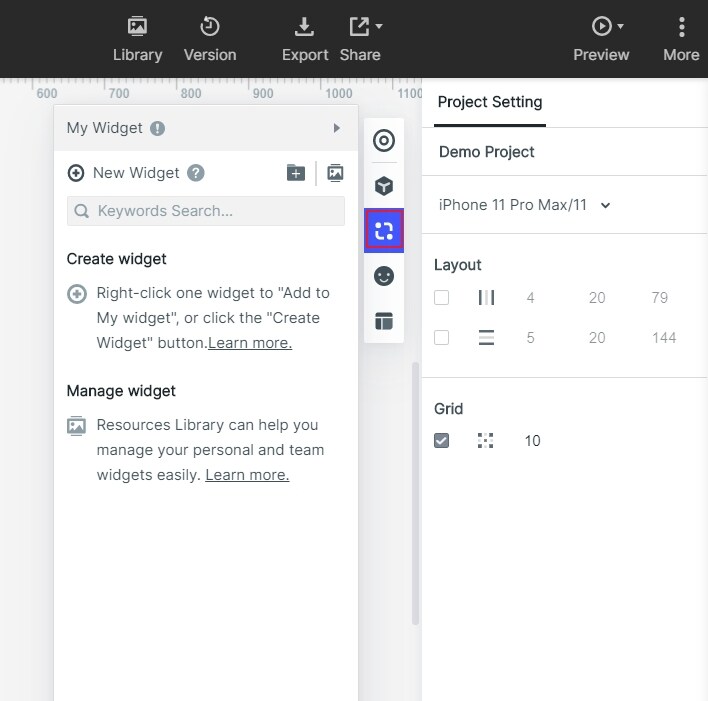
"My Widget" is your personal component library, which you are allowed to add any components you need in it. For a related workflow, see online prototyping tool.
Add to My Widgets
There are three ways to create my widgets:
- 1. Click New to create "My Widgets".
- 2. Drag in elements to this area to create.
- 3. Right-click to create after selecting the element.
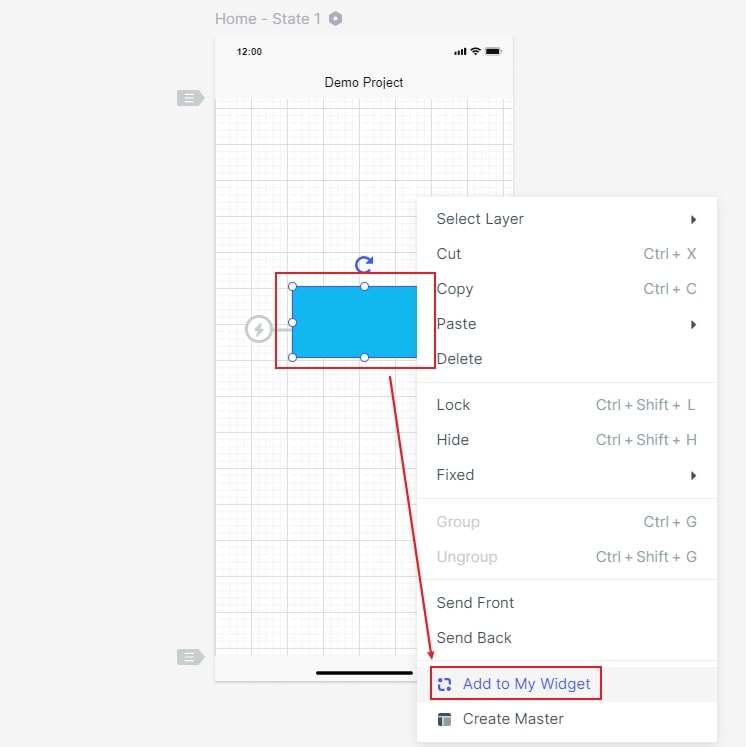
Manage my widgets
Click the management button to delete components in batches, transfer folders, and put them into the drawing board.