Guide:Settings for the Project
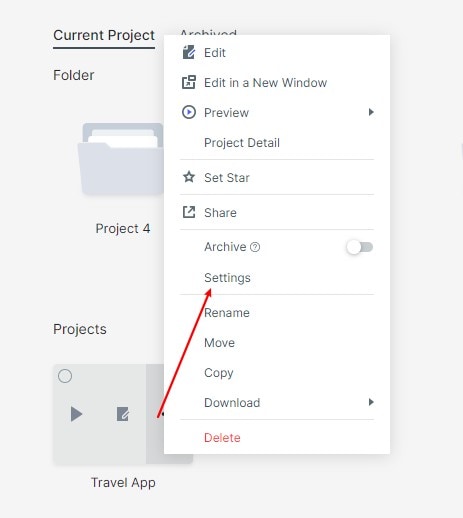
Select an item in the folder, click "More", and select "Settings" to modify the prototype size or model in the pop-up panel. For a related workflow, see online prototyping tool.
Note: Only custom size items support customizing the length and width of the prototype.