Guide:Add, Remove, and Hide Auxiliary Lines
Add / Remove Auxiliary Line (Red Line)
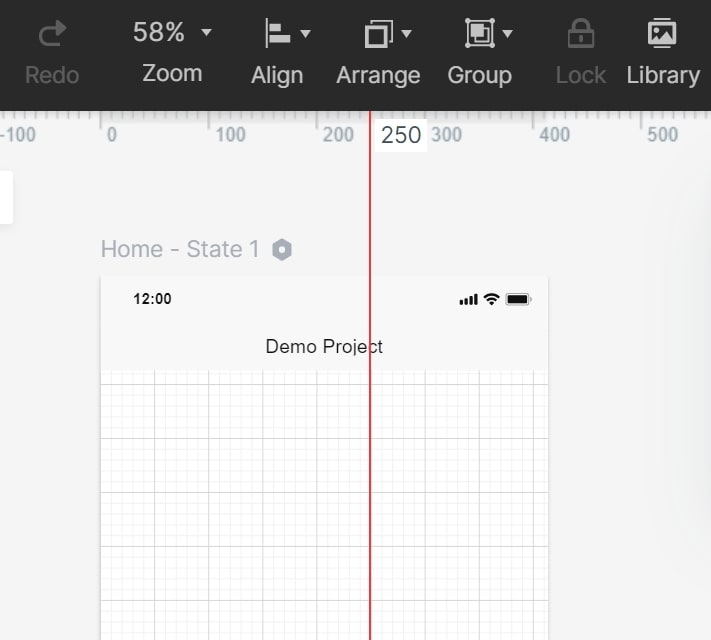
Hover the mouse over the position where you need to add auxiliary lines. For a related workflow, see online prototyping tool.
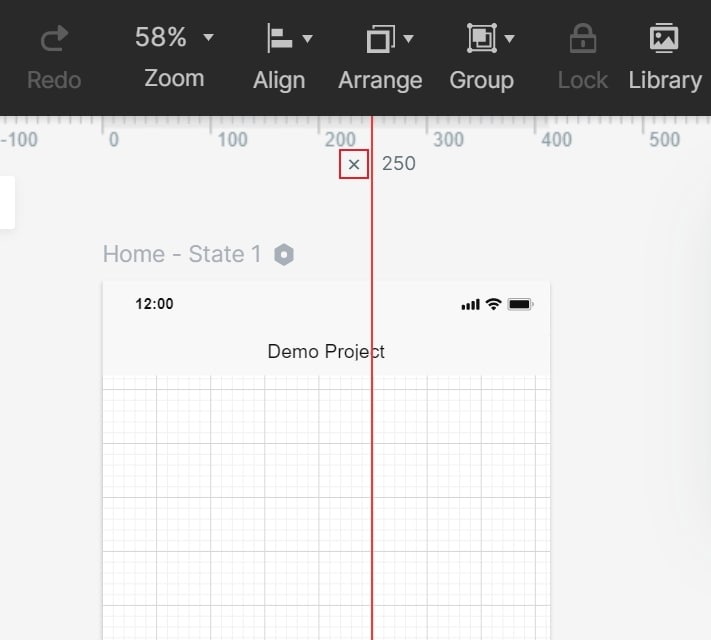
Hover the mouse over the auxiliary line near the ruler where you will see " x ", click it to delete.
Hide Auxiliary Lines
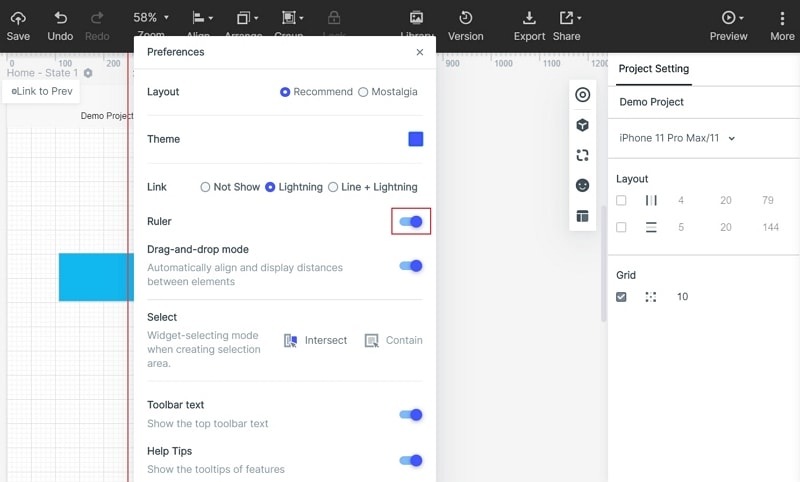
The auxiliary line can be hidden with the ruler, you need to turn off the "Ruler" in "More" - "Preferences" in the upper right corner of the editing area.