Guide:“Long Page” Mode
"Long page" mode: In the project, you will have the situation that the page you create exceeds the length of a screen For a related workflow, see online prototyping tool.
At the same time, it is also necessary to understand that in Mockitt, if the page length exceeds "a screen", then it can be viewed full-page by scrolling up and down, while this way is not helpful for understanding the global distribution of the page.
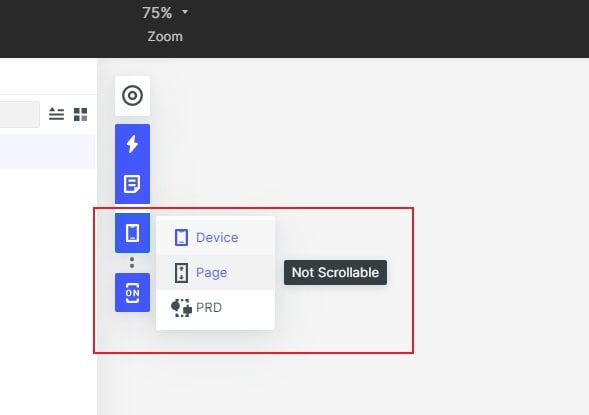
To make the entire page preview easier, Wodnershare Mockitt provides a "long-page" mode --- that is, "No device frame, not scrollable, no content outside artboard".
The settings are as shown: